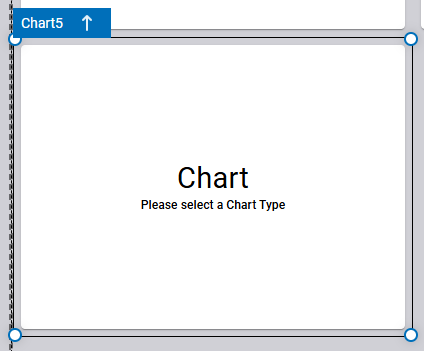
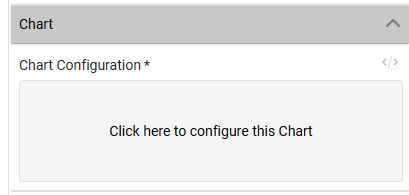
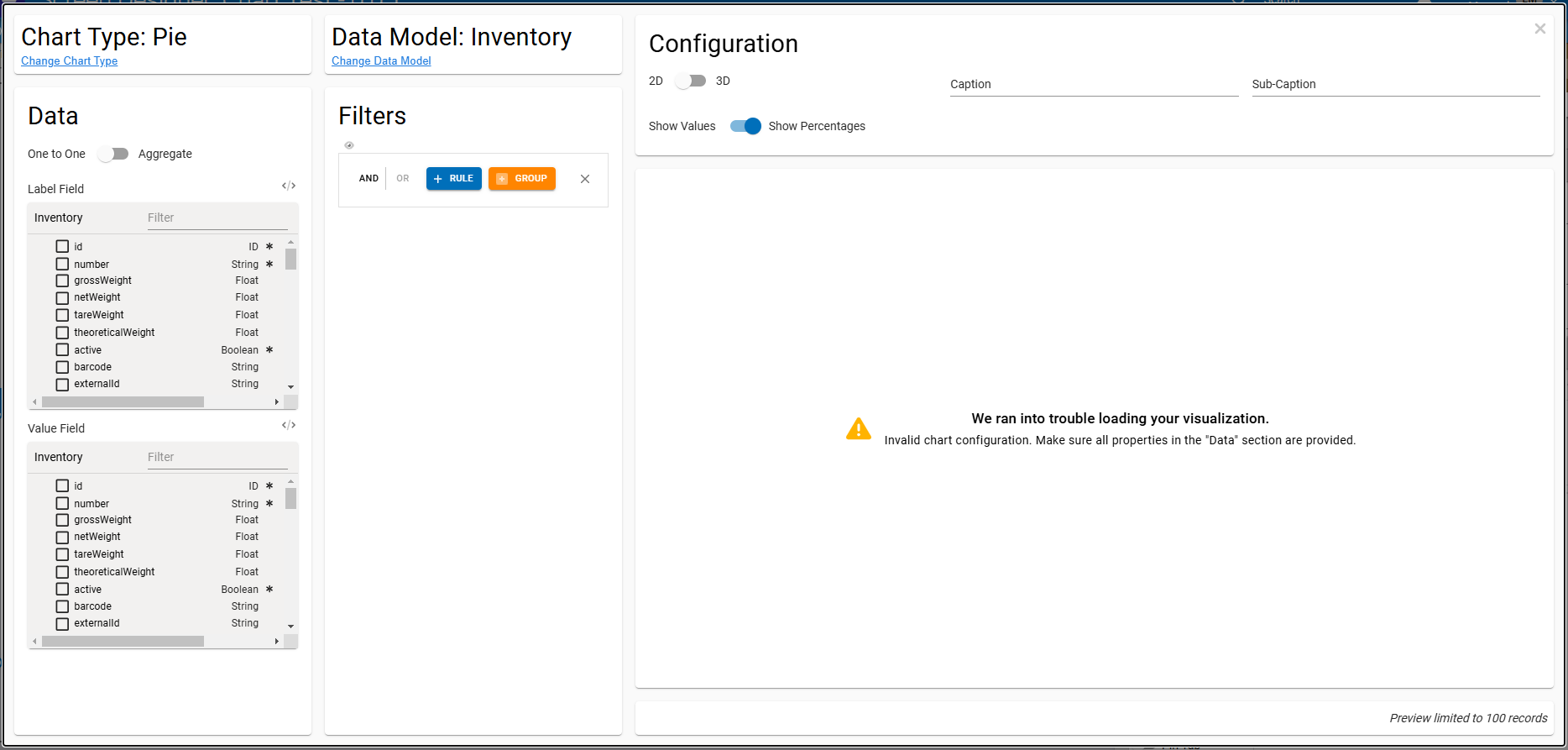
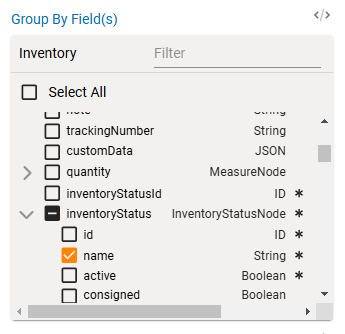
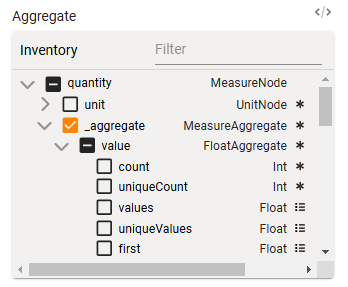
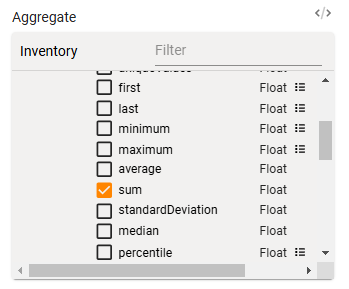
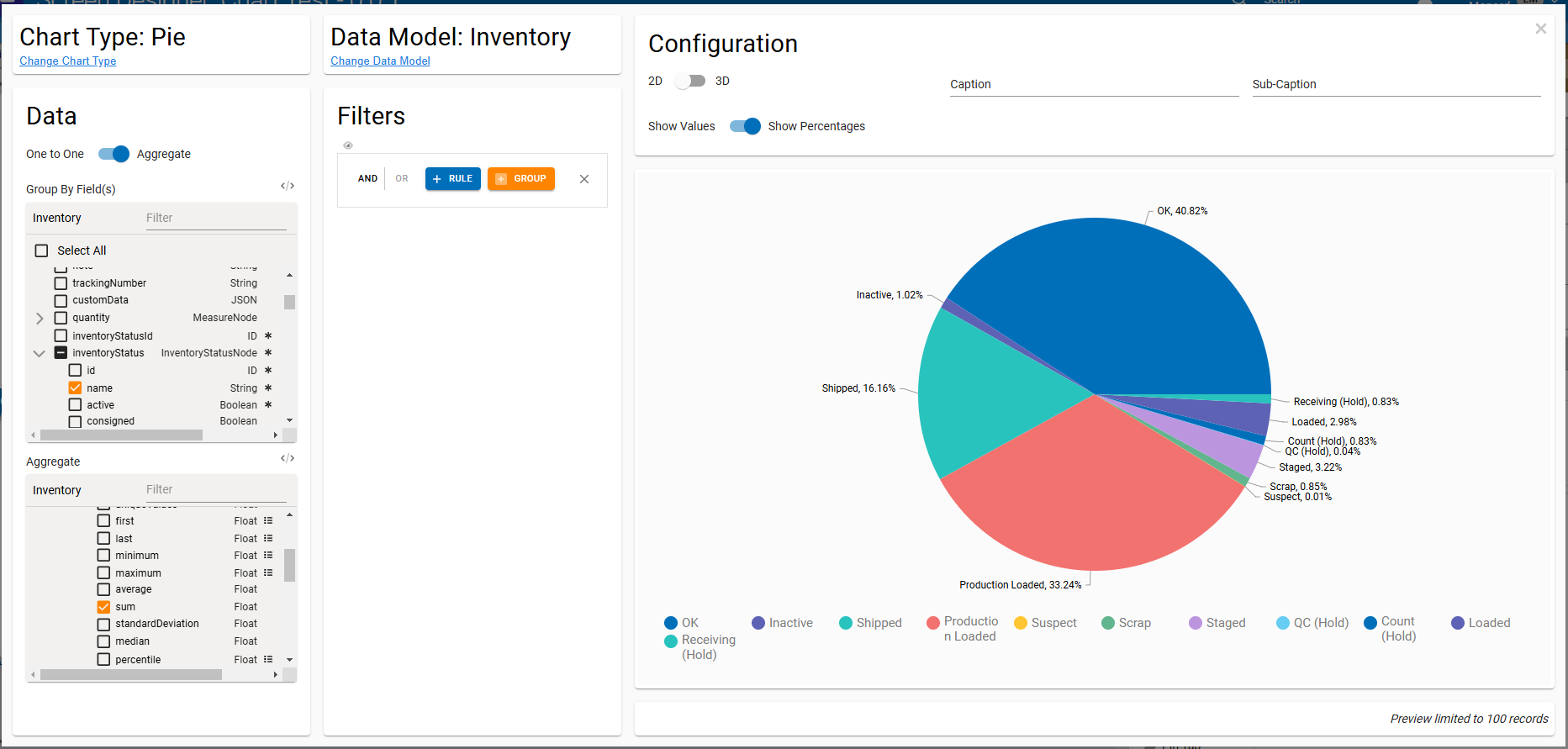
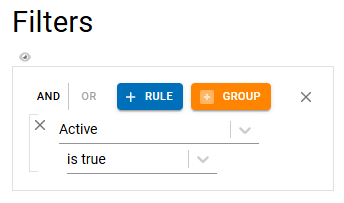
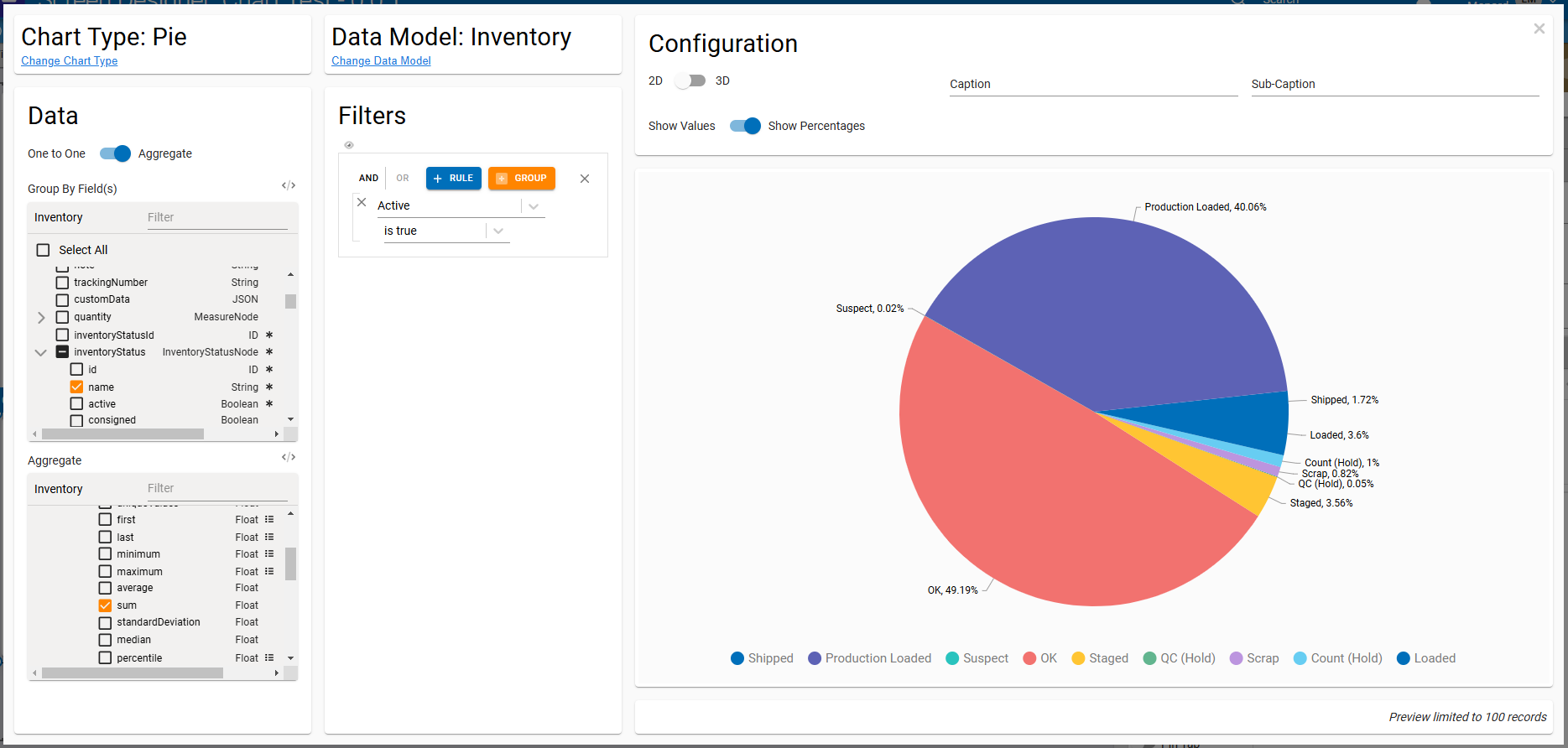
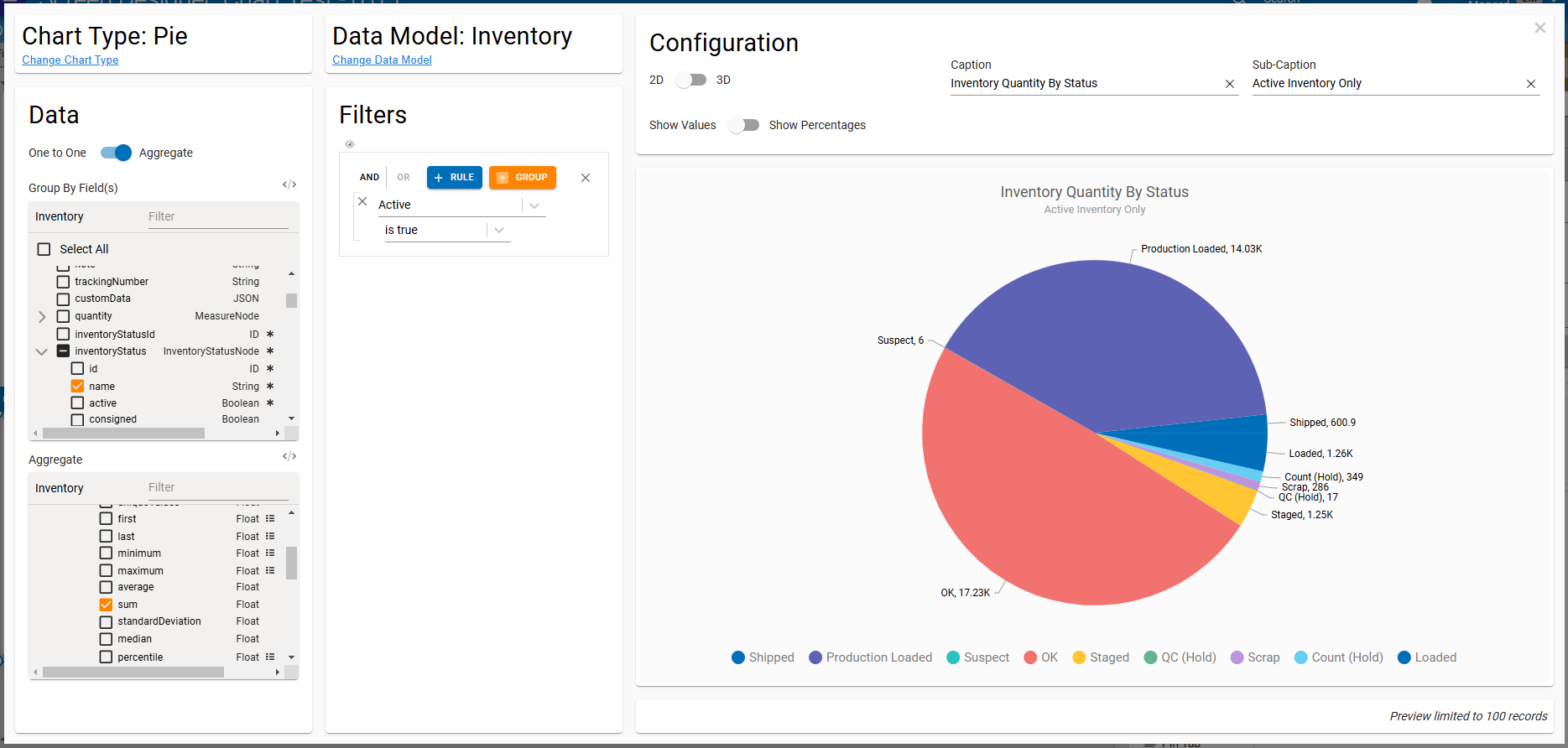
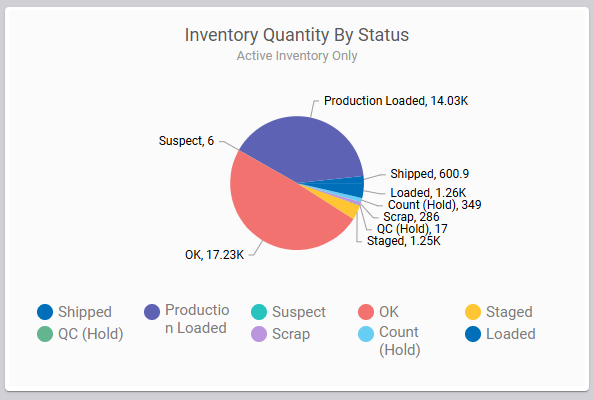
This new screen element, found under the Display group, is aimed at streamlining the creation of visualizations, charts, and widgets on Fuuz screens. The element is completely self-contained - no need to worry about forms - and all configuration is done through a streamlined wizard! Let's walk through an example of building a visualization to see how this new element works. Let's say we want to see a breakdown of act…
The Chart element as it displays in a screenThe Chart Configuration input in the element Properties panelThe first wizard screen, asking what chart type to buildThe second wizard screen, asking what data model to use for the chart dataChart configuration wizard panel layoutSelecting the Group By fieldsThe quantity._aggregate.value path expandedThe sum operator selectedChart configuration with group by and aggregate fields selectedA filter to only include Active inventory in our chartChart configuration with a filter appliedChart configuration with captions appliedThe rendered chart on a running screen
Edge and Gateway
New
Added better error handling when decoding stored API keysIntegration Team › Edge Gateway
Orchestration and Data Flows
Improved
Updated RabbitMQ service map to better handle specific types of channel errorsOrchestration Team › Service Maps
Updated Redis service map to more gracefully handle Redis being offline or unresponsiveOrchestration Team › Service Maps
Updated Query and Mutate nodes to remove an intermediate network request to increase efficiency and reliabilityOrchestration Team › Data Flows
Security and Administration
Improved
Updated message when changing a user's access type at the enterprise level to clarify the effect the change will haveData Team › Security
Updated application user replication to apply system user audit information to replicated records to address screen errors that could occur when a user was granted access to a tenant by an enterprise administrator without access to that tenantData Team › Security
Screens and User Experience
New
Added a Chart screen element for building streamlined charts and visualizationsUser Interface Team › Screen Designer
Improved
Updated alert and confirm dialogs to retain line breaks in displayed message textUser Interface Team › Components
Updated alert, confirm, and form dialogs to add dividers between dialog header, body, and actionsUser Interface Team › Components
Fixed
Corrected a UI error that could occur when using $moment() in web flowsUser Interface Team › Framework
Platform and Infrastructure
Improved
Updated RabbitMQ message broker to 3.13.7DevOps Team
Increased default RabbitMQ volume size and updated RabbitMQ disk_free_limit to matchDevOps Team